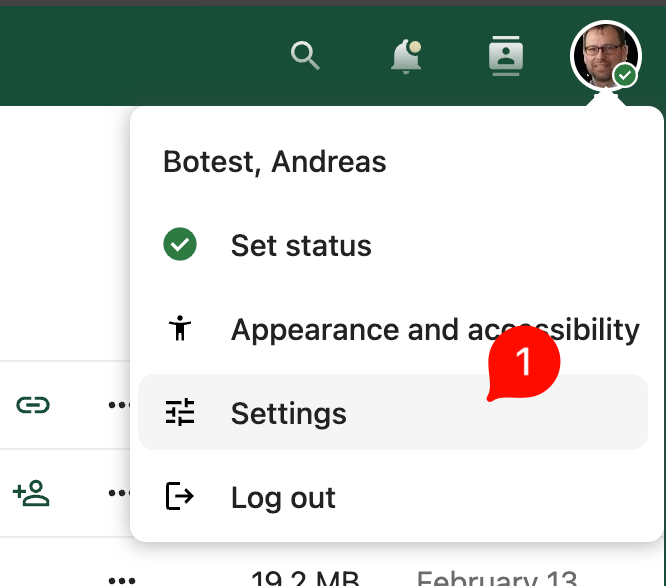
Log in to Nextcloud. Click the user icon in the top right corner, then click Settings:
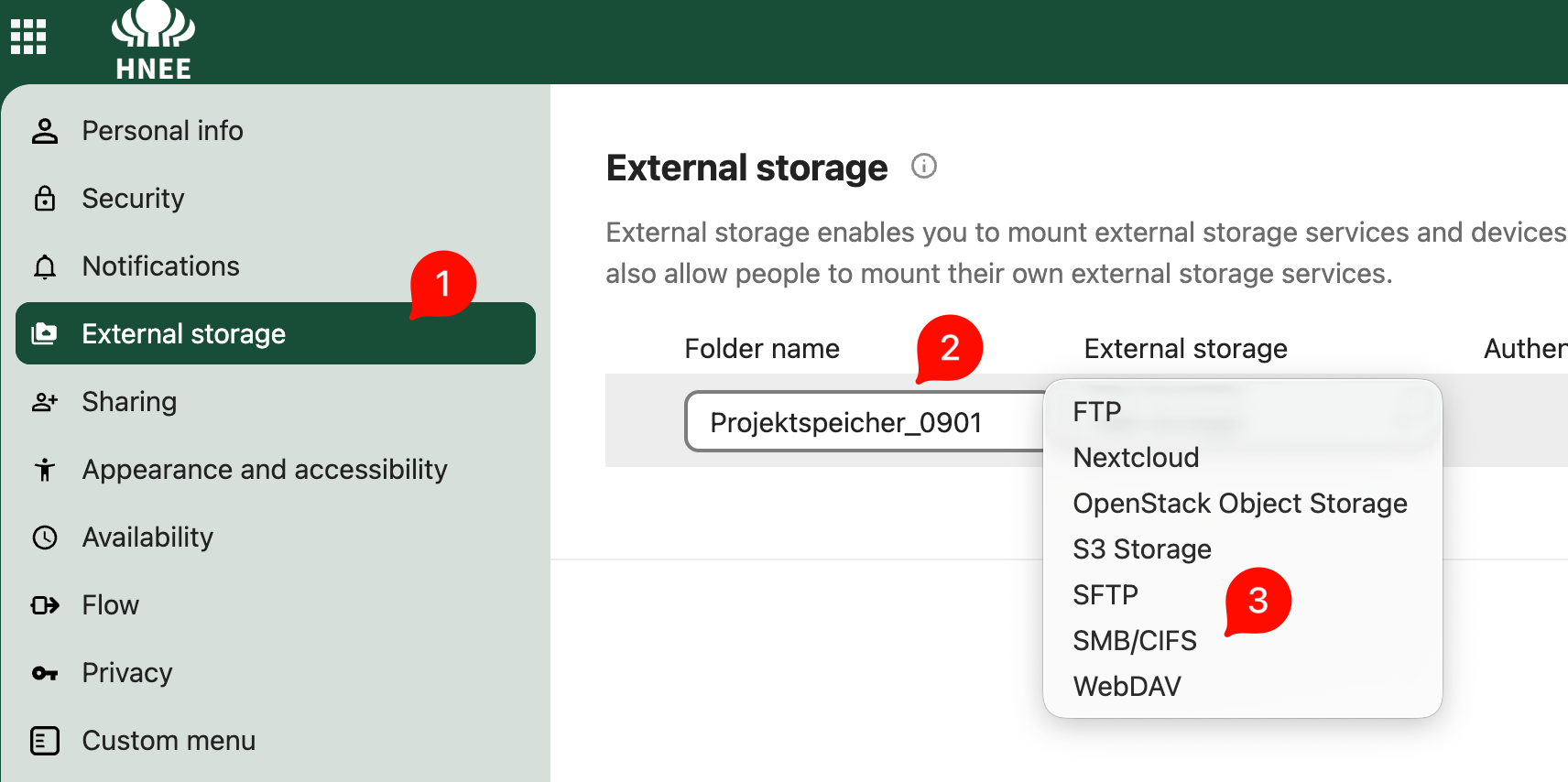
choose External Storage:
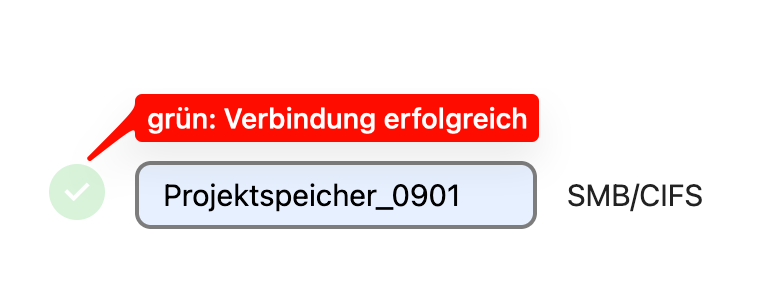
- Folder name: e.g. Projektspeicher_0901 (appears with this name in Nextcloud Files)
- External storage: choose type -> SMB/CIFS
Now, further details regarding the SMB share must be provided:
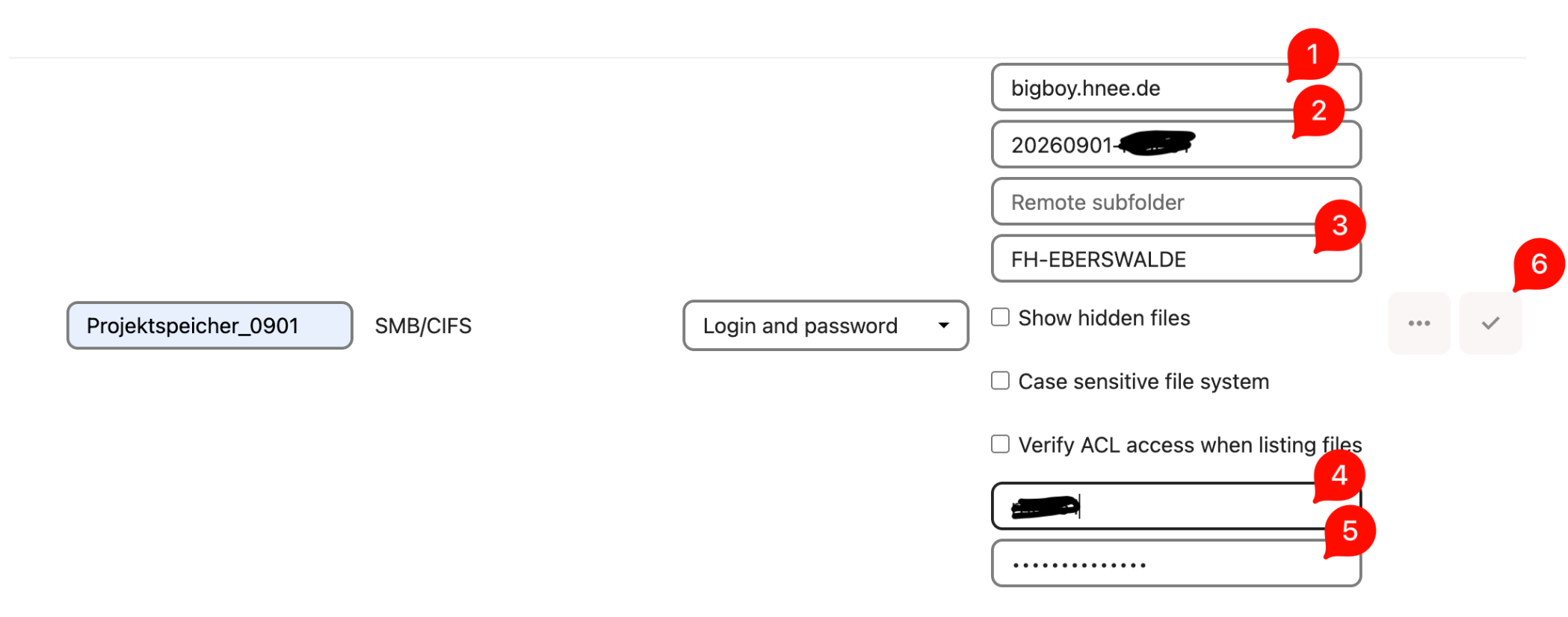
If you request additional storage space for a project of limited duration, we will provision it on the Bigboy server. The following example applies to this scenario:
- Host: bigboy.hnee.de
- Share: <name-of-sharedfolder> --> e.g. 20260901-yourLoginname
- Domain: FH-EBERSWALDE
- Login: <yourLoginname>
- Password: <yourWindows-password>
Right-click the checkmark and re-enter the password -> a green checkmark should then appear on the left.
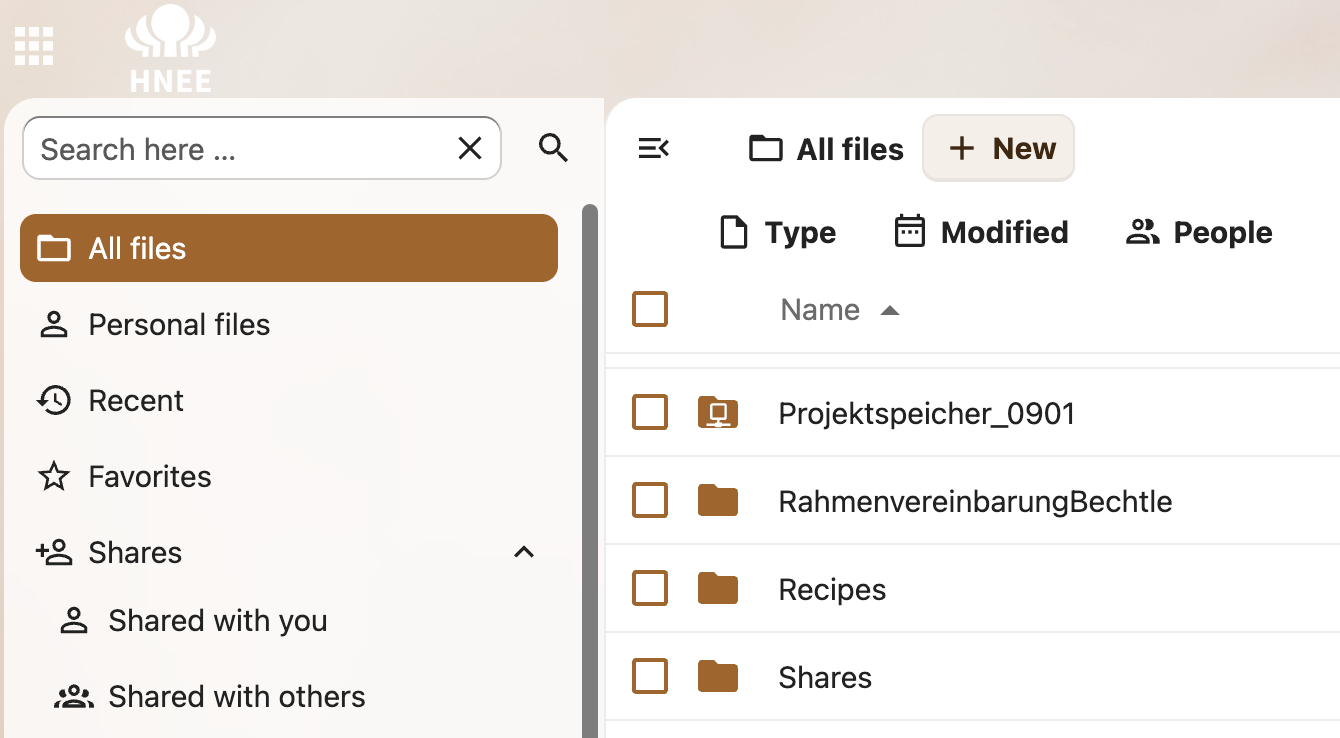
The new folder should now be visible under Files – All Files, marked with a small network icon.: